Case Study
UI/UX
Brand
Web
Oct 2025-Mar 2026
Designing a video-first content workspace for creative teams.
When I joined Efficore as Head of Design, I led product ideation and UX, designed the full desktop web app, established a complete brand system, and created a bespoke website over five months. Efficore ultimately took the product back to the drawing board before launch, so this case study focuses on the design decisions and systems I built along the way rather than post-launch metrics.
Involvements
Product Team
Kevin Zhang
Victoria Ng
Tools
OVERVIEW
Why Efficore exists
Making a video today means constantly jumping between a multitude of different apps. Take a look at this table:
Purpose
Tool
Scripting
Google Docs
Brainstorming
Claude/Chatgpt/Gemini
Storage
Dropbox/Google Drive
Video notes
Frame.io
Team communication
Slack/Instagram/iMessage
Before you've even opened up your editing software, you're already juggling 4-10 apps! Difficult for even solo creators to handle, it becomes unmanageable in larger content teams involving editors, scriptwriters, videographers, etc.
We validated this through 30+ user interviews with our ICP. Their core frustrations involved using too many tools, too much context-switching, and difficulty coordinating their team efficiently.
So, Efficore was born: designed to bring scripts, storage, feedback, AI, and more into one workspace built for actually making videos.
RESEARCH
Product landscape
ICP
Our target audience was content creators and small video production teams: people who made video-first content across lifestyle, tech, fashion, and finance. They tended to have strong visual taste, follow pop cultural trends closely, and already have opinions about what good software looks and feels like. That set a high bar for our design from day one.
WORLDBUILDING
Building the brand
From start to finish, I wanted the brand to feel warm.
Most AI tools were either taking a humanistic, naturalistic approach (e.g Claude with their organic colors and blobs), or a more obviously sci-fi, tech-y aesthetic (see any low-tier tool.) We wanted to draw more from actual tastemakers in the fashion, art, lifestyle, music industries, but balance that with a sense of warmth rooted in the natural world. This also differentiated us from existing competitors, who were either humanistic or poorly designed.
Trying to be "your favorite content creator's favorite content creator": If we wanted content creators to use Efficore, it should speak their visual language.
This became a good synthesis of our brand: I looked at the aesthetic patterns showing up in creator content: the yellow sans-serif type with black strokes, the certain kind of color grading, the editorial reel look, and used that as a starting point.
We ended up with a soft butter as our main color, but also earthy browns, beiges, and marine blue, paired with a crisp, Helvetica Neue-esque sans serif and well-shot urban and nature-centric photos. This came through clearly in our website and brand.
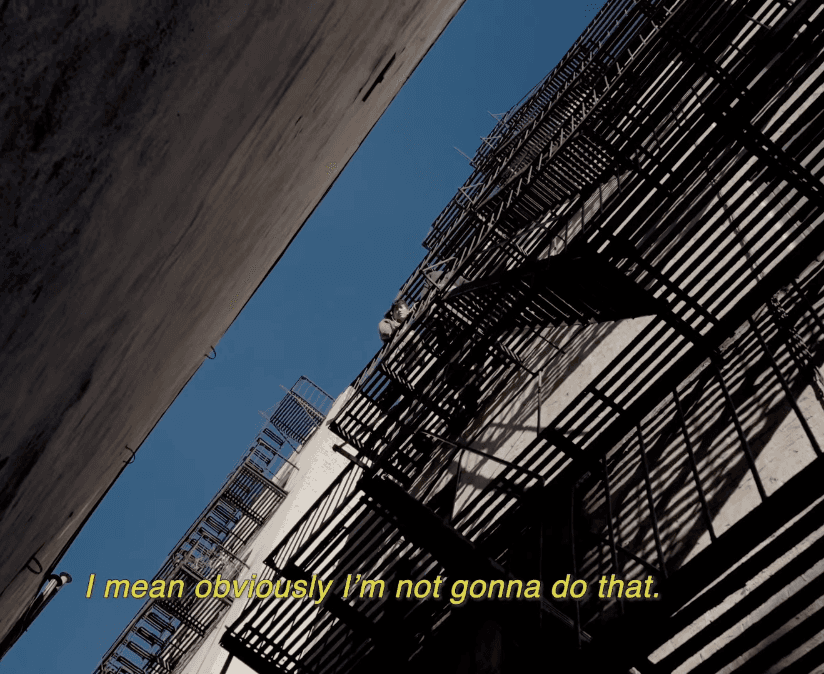
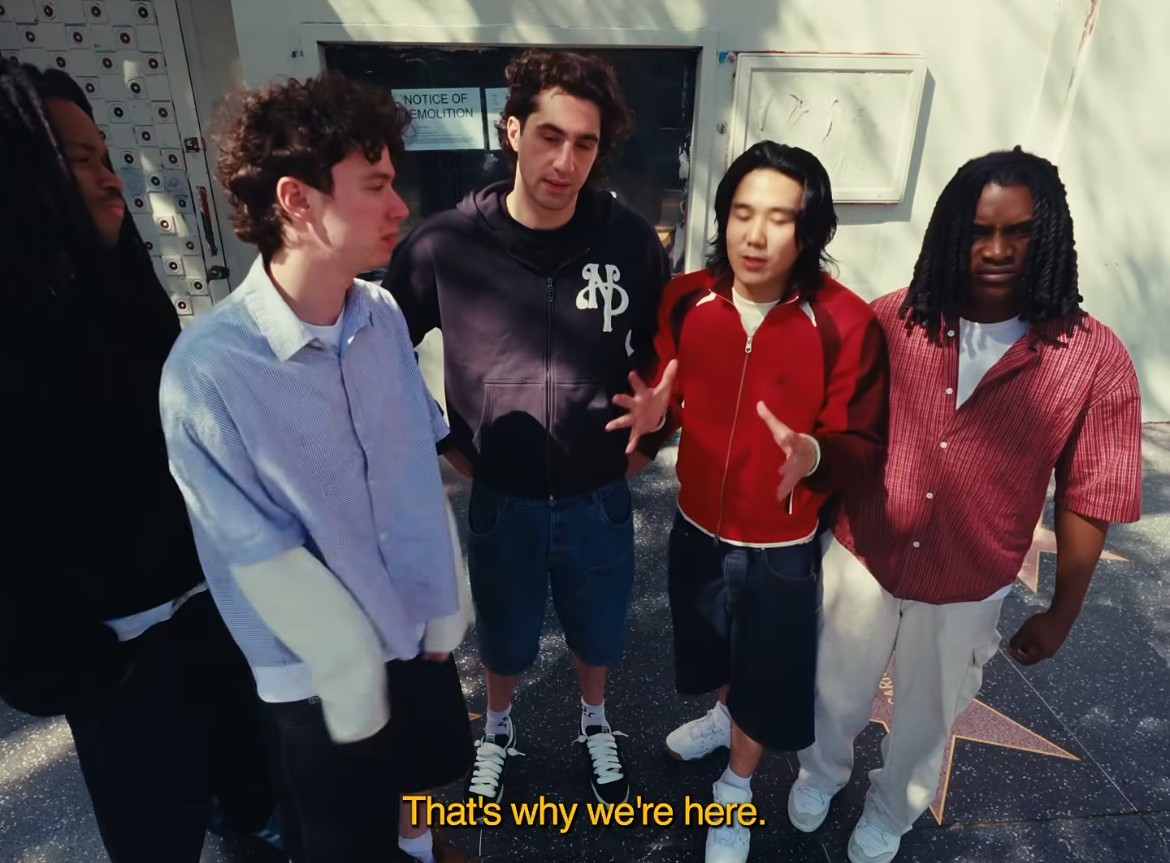
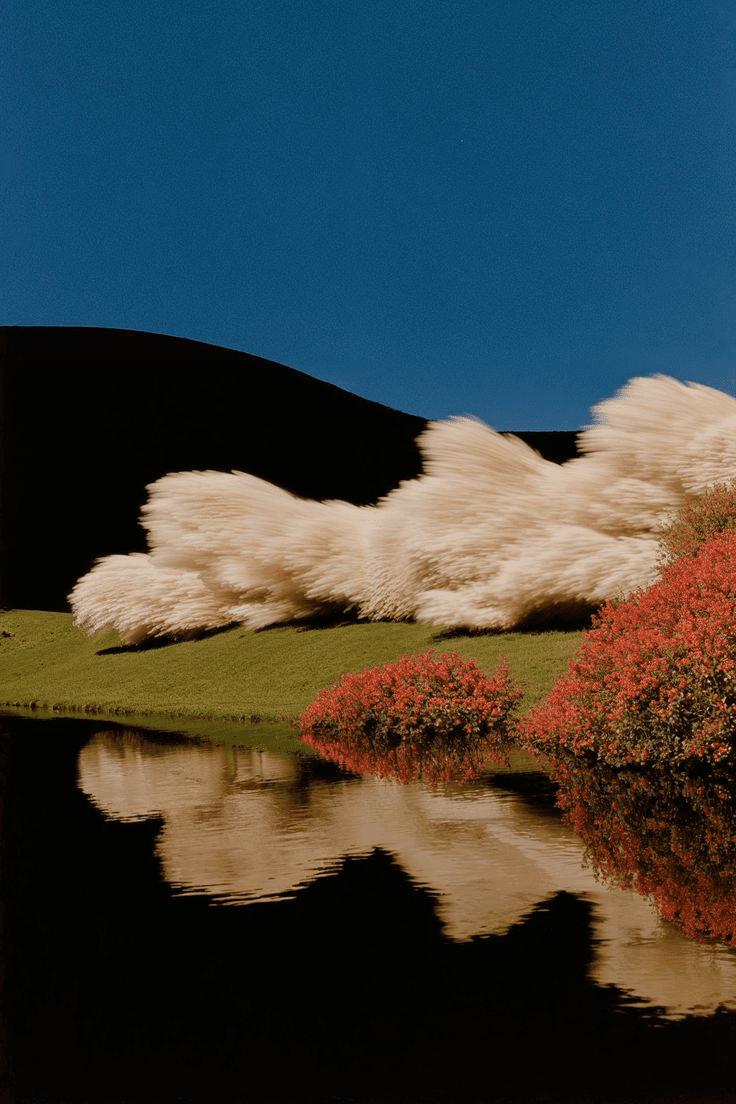
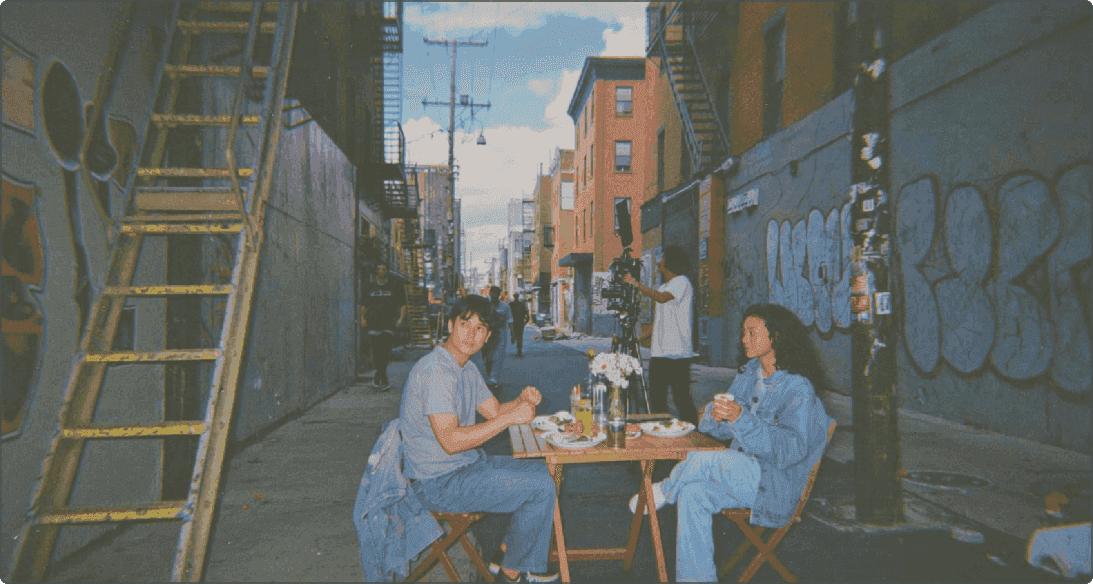
UGC used for brand reference
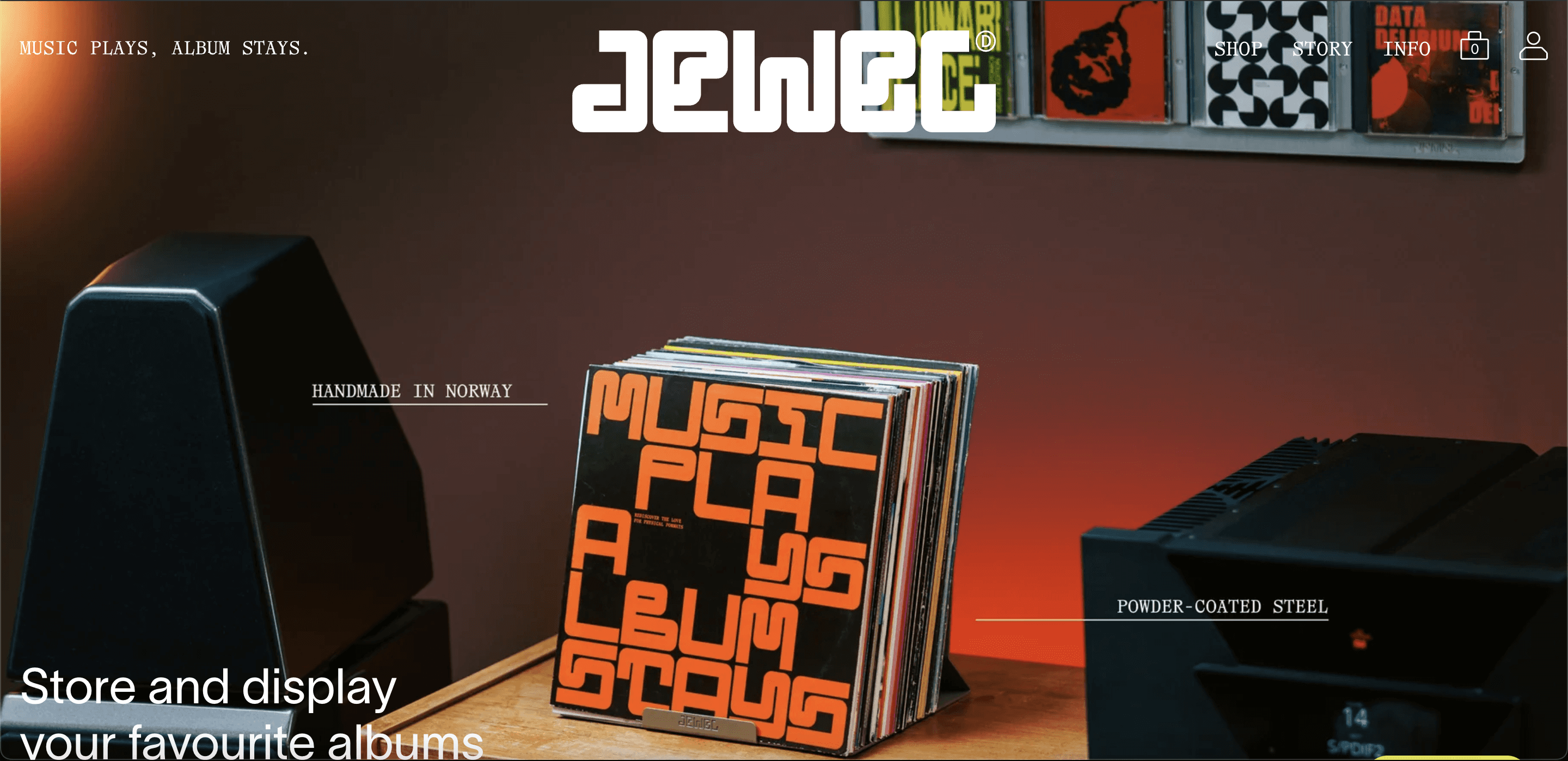
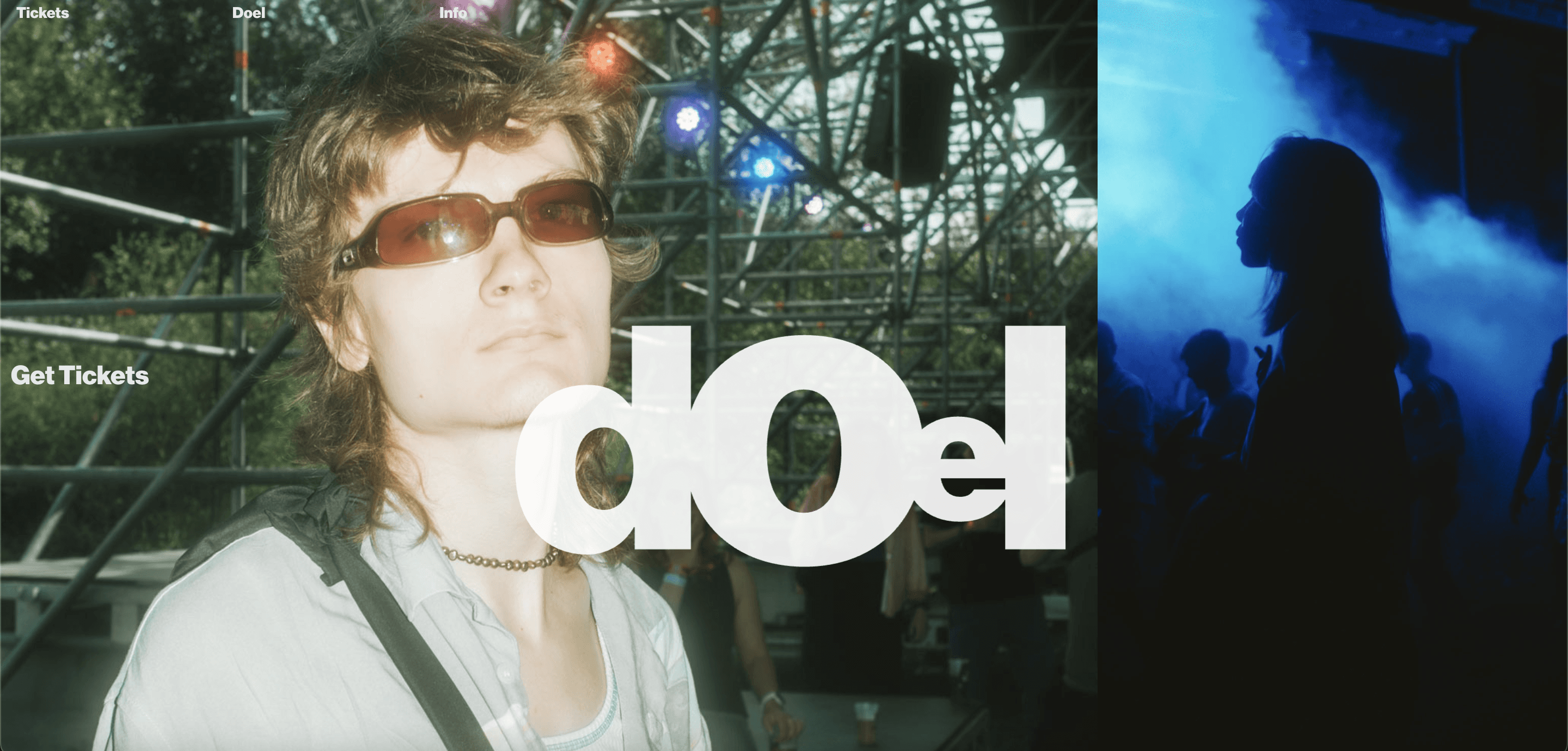
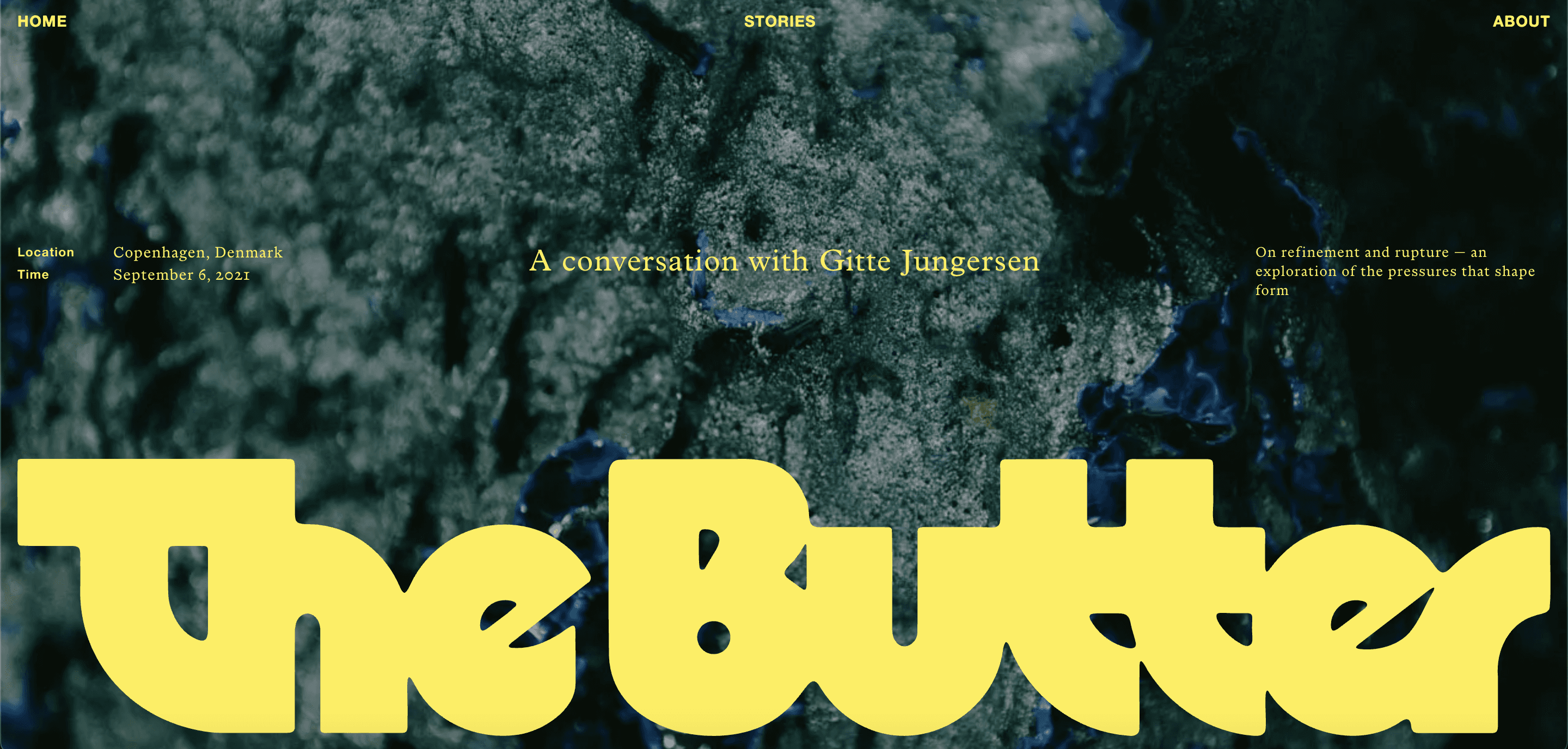
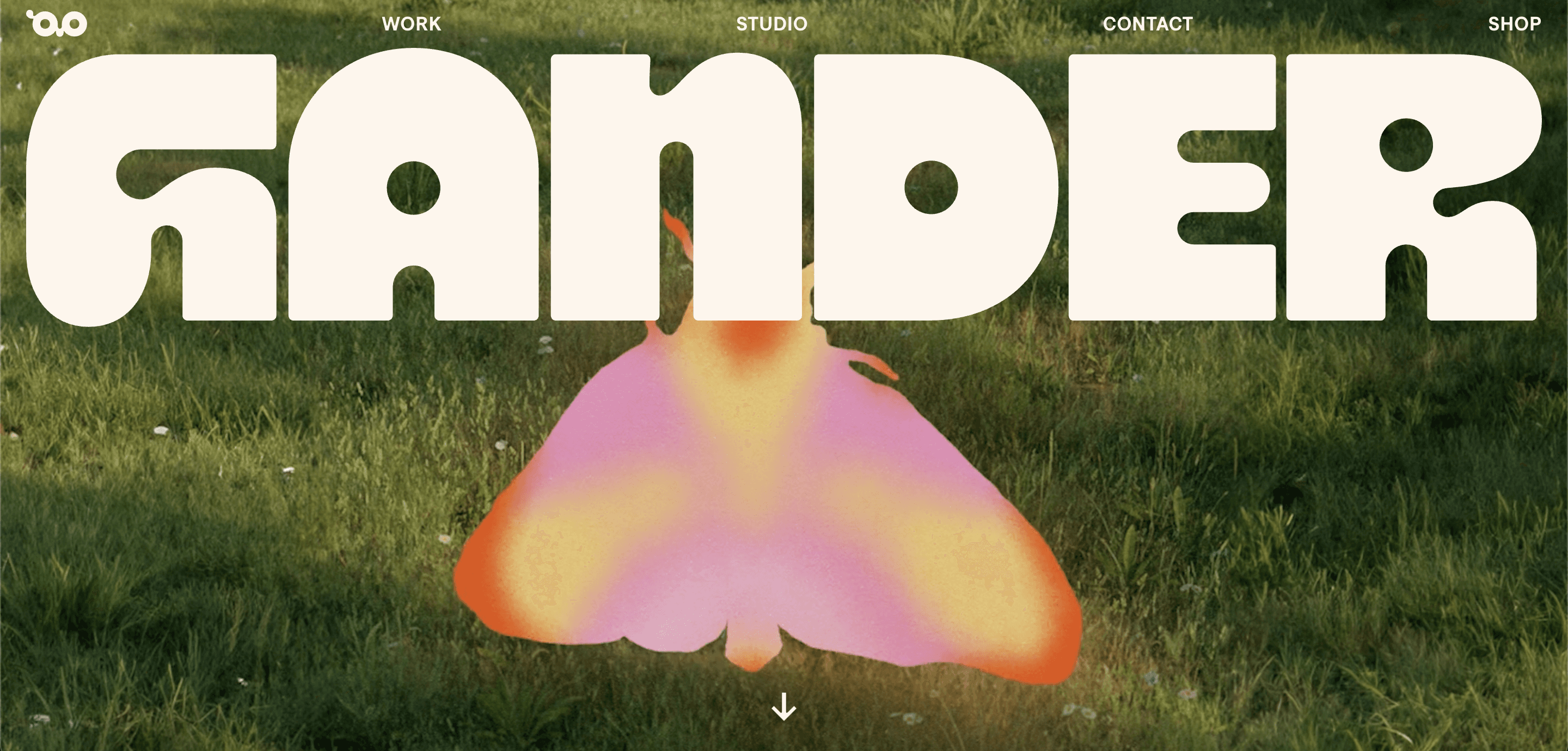
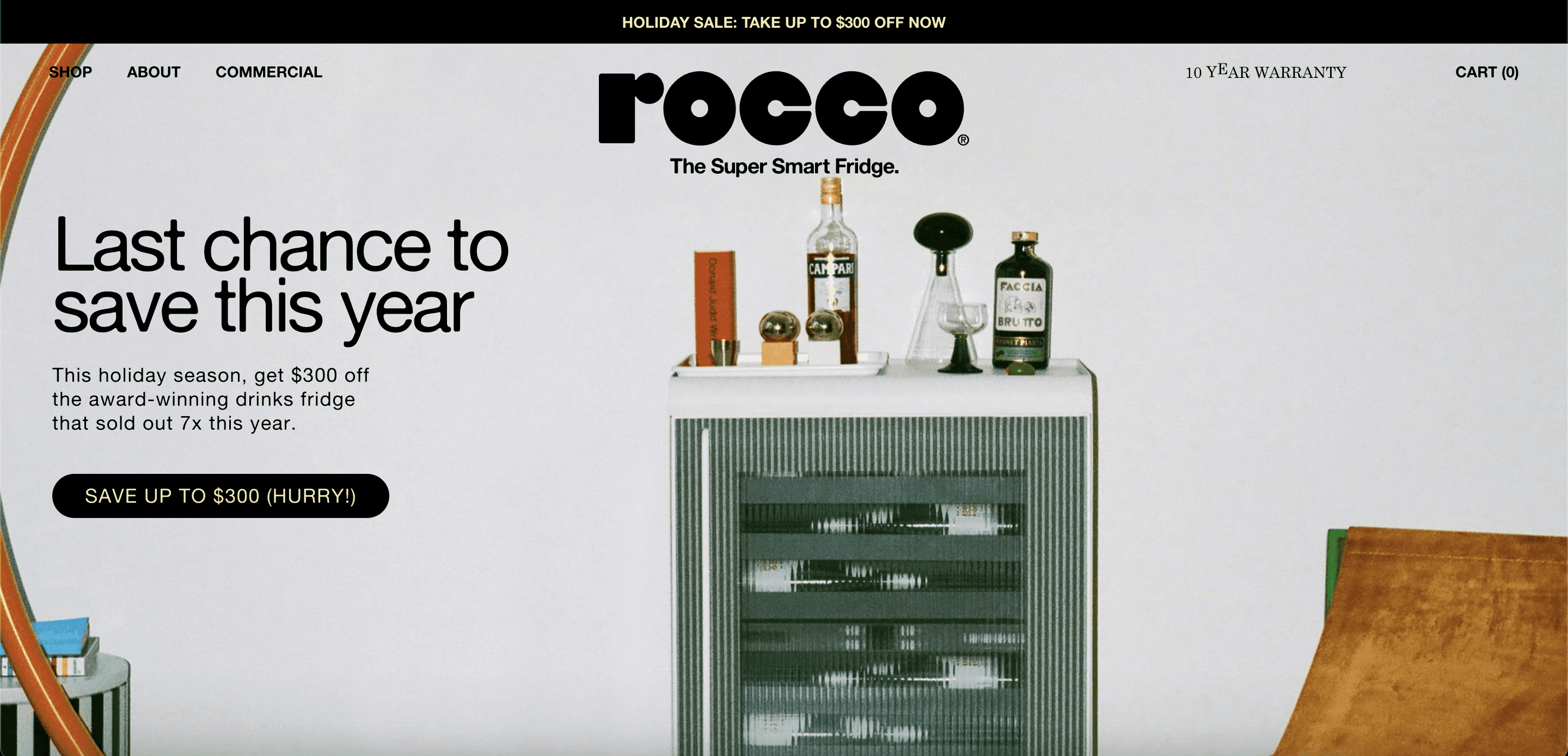
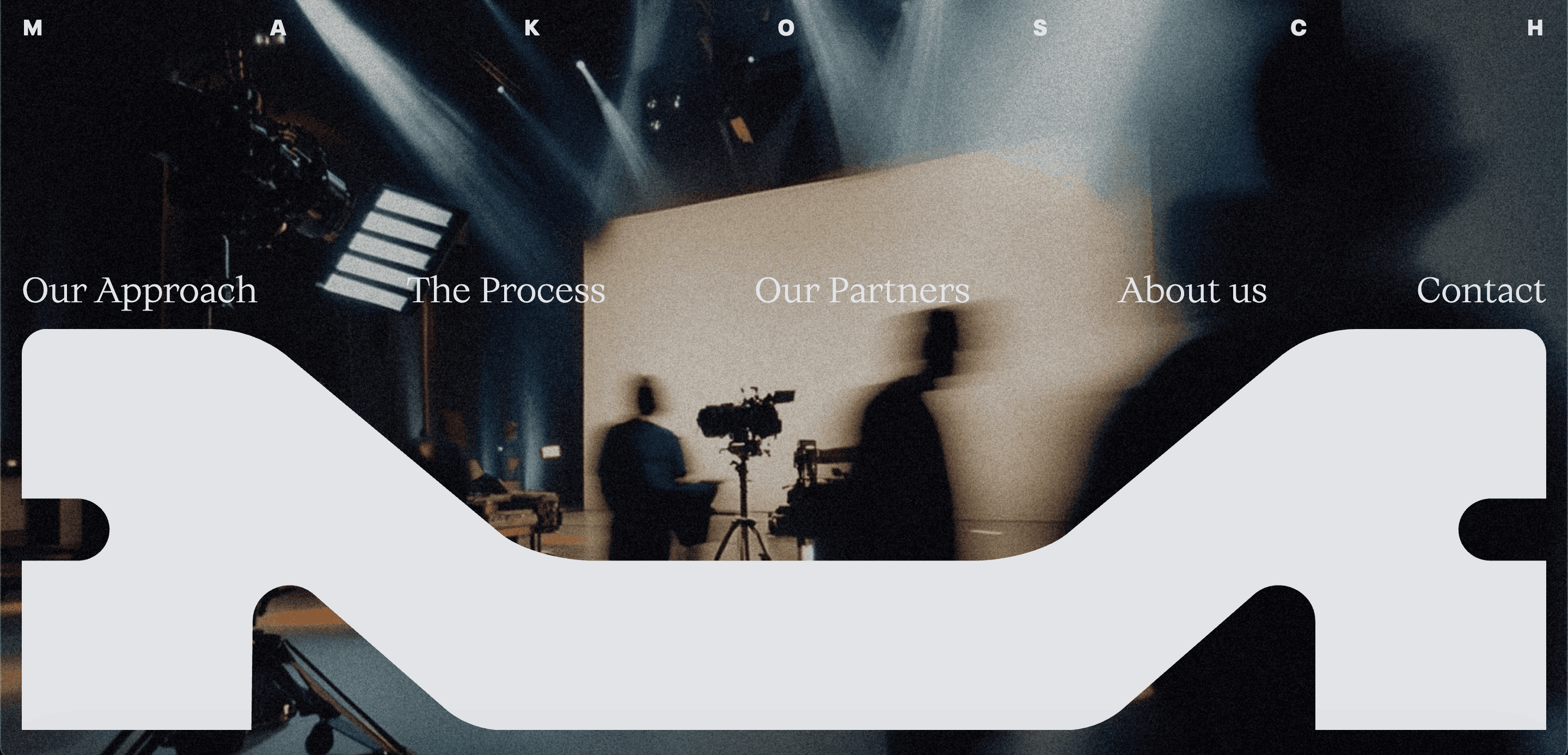
inspo for website landing page
Final landing page / tryefficore.com
WIREFRAMING
Initial app design
The team's initial proposed product structure included a "second brain" section where users stored their context and files, plus three AI agents (Ideate, Research, Scripting) that ran in sequence.
The core issue was that the structure assumed a linear workflow that doesn't exist in real life. Through user interviews, we learned that creative teams jump between stages constantly, and the messaging-based agents made adding media and files feel unintuitive. The three-agent structure also made the product feel like three disconnected tools rather than one workspace.
V1's UI and visual language also lacked confidence and became inconsistent after brand direction alterations: split between semi-opaque glass backgrounds, pastel gradients, and starker, minimalistic styles, the result was a disconnected design that we aimed to fix in V2.
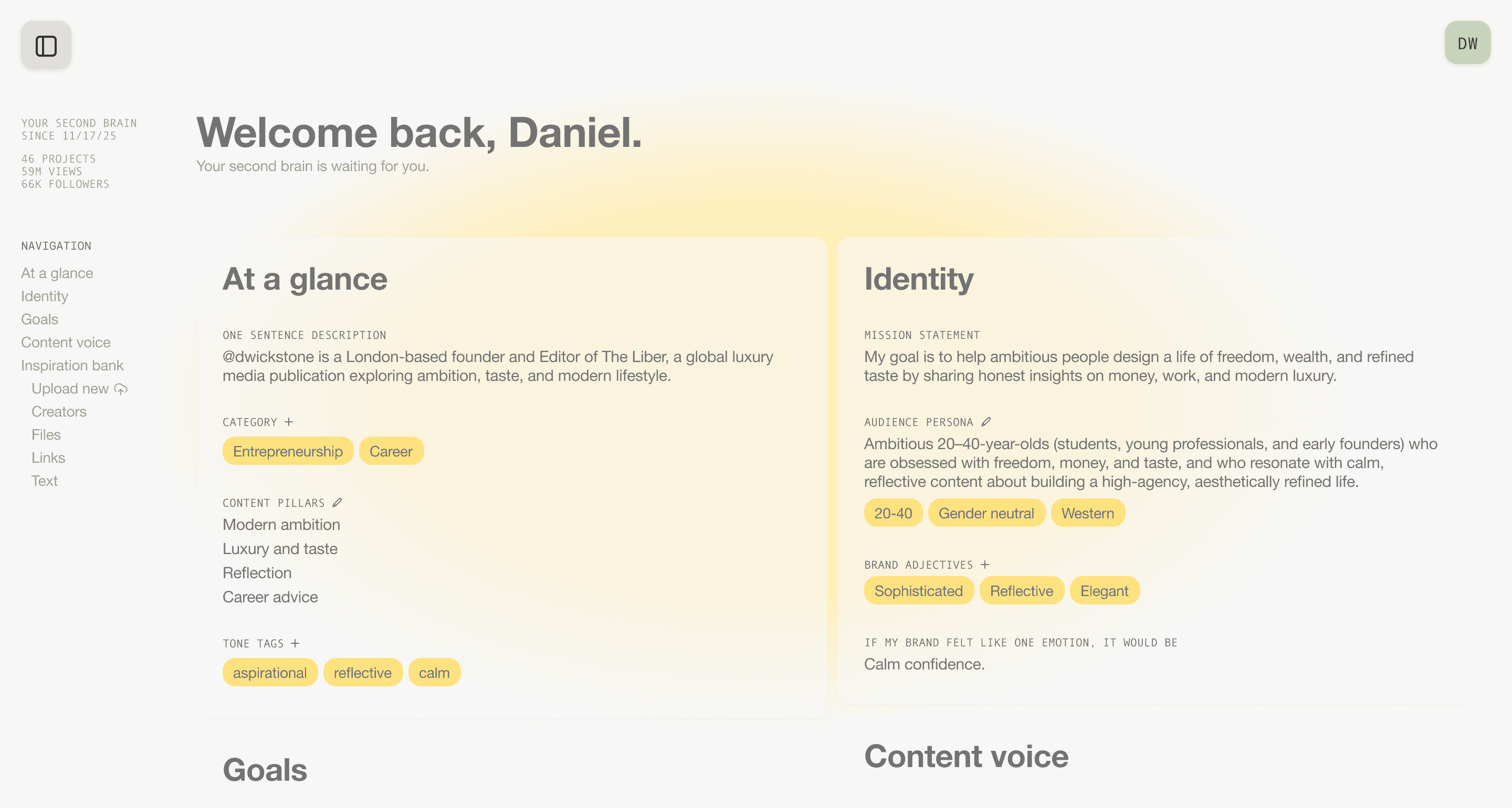
Second Brain (V1) - Creator Personal Info
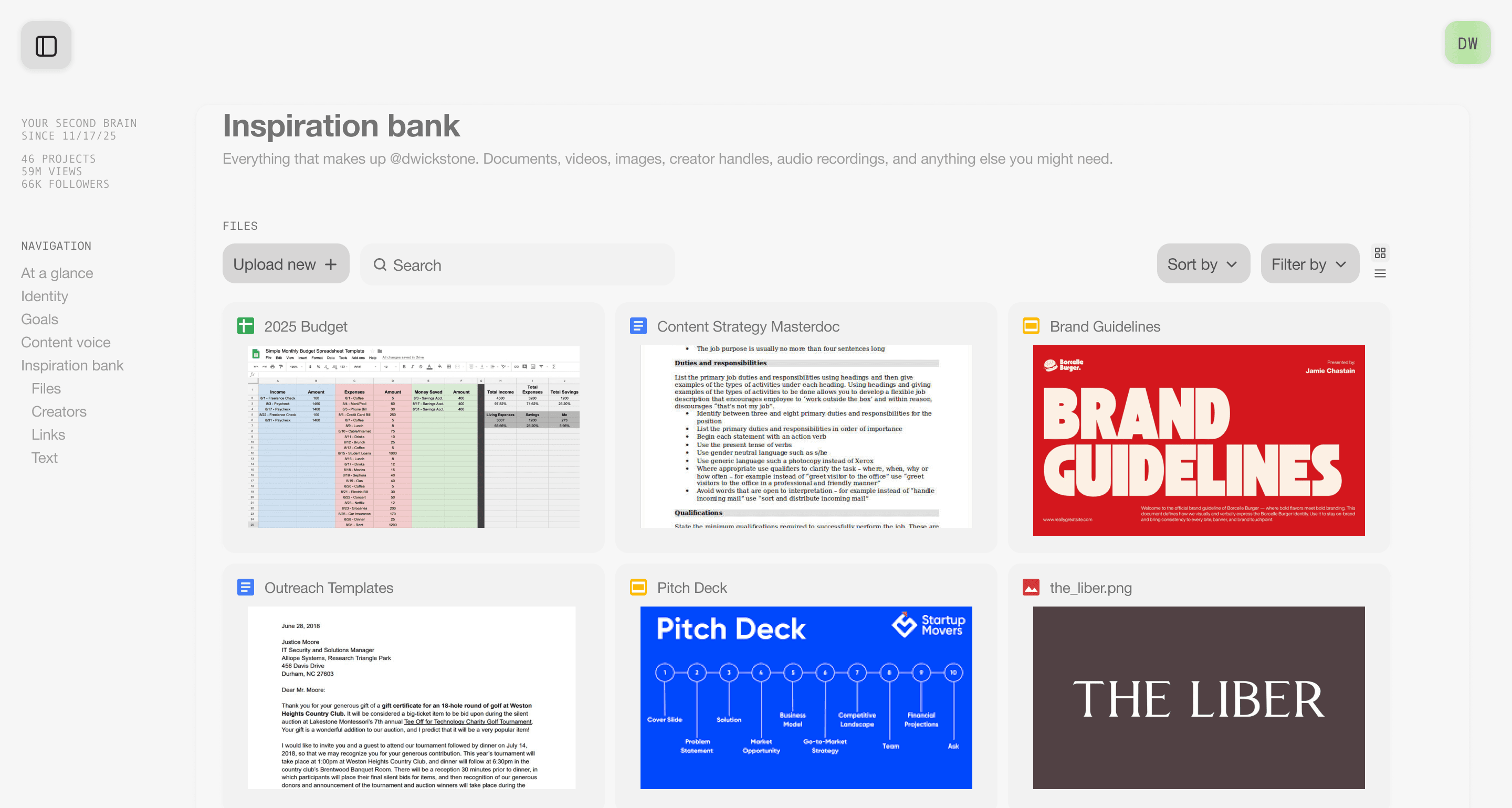
Second Brain (V1) - Files (a.k.a 'Inspiration Bank')
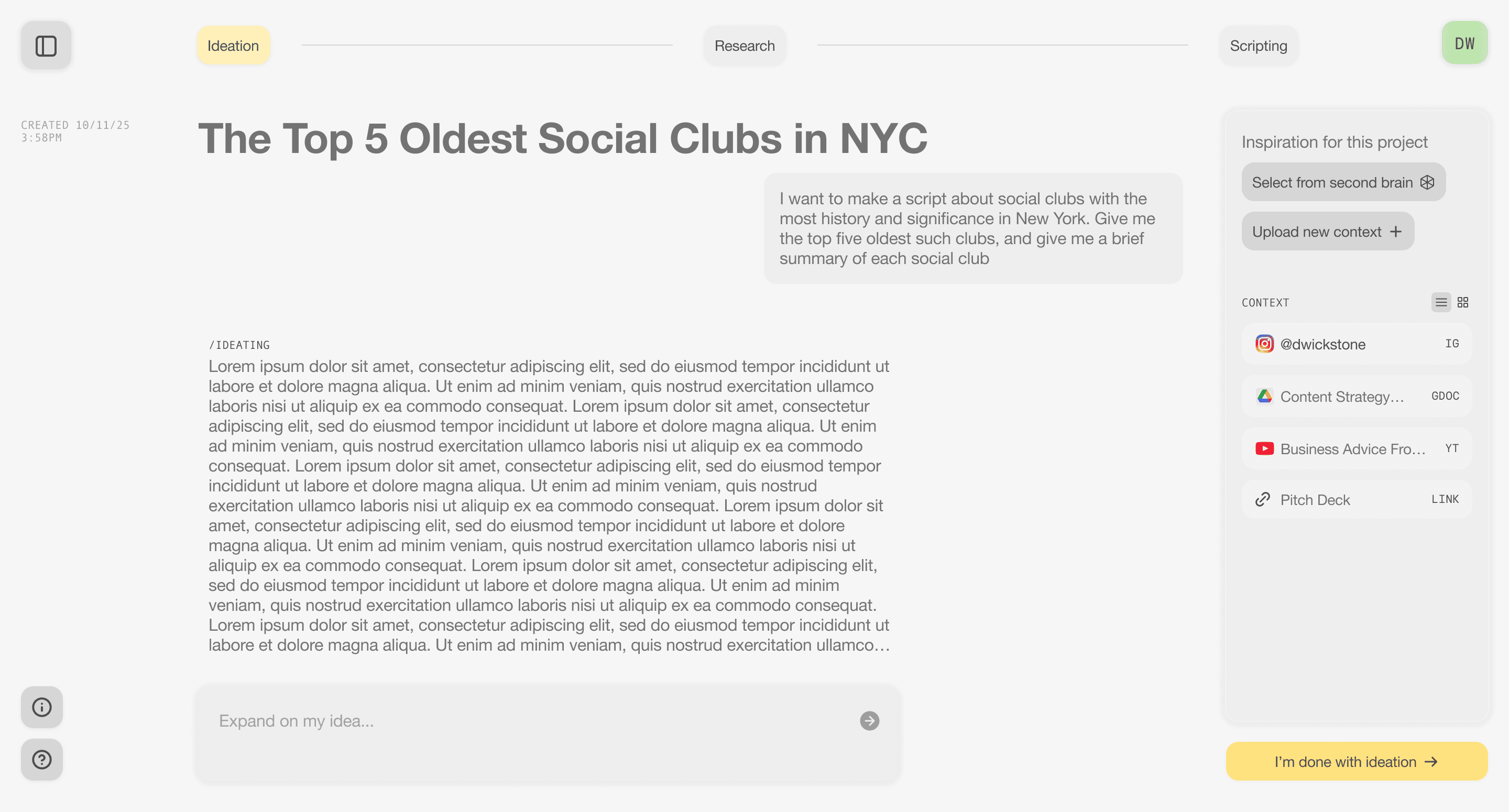
Ideation agent
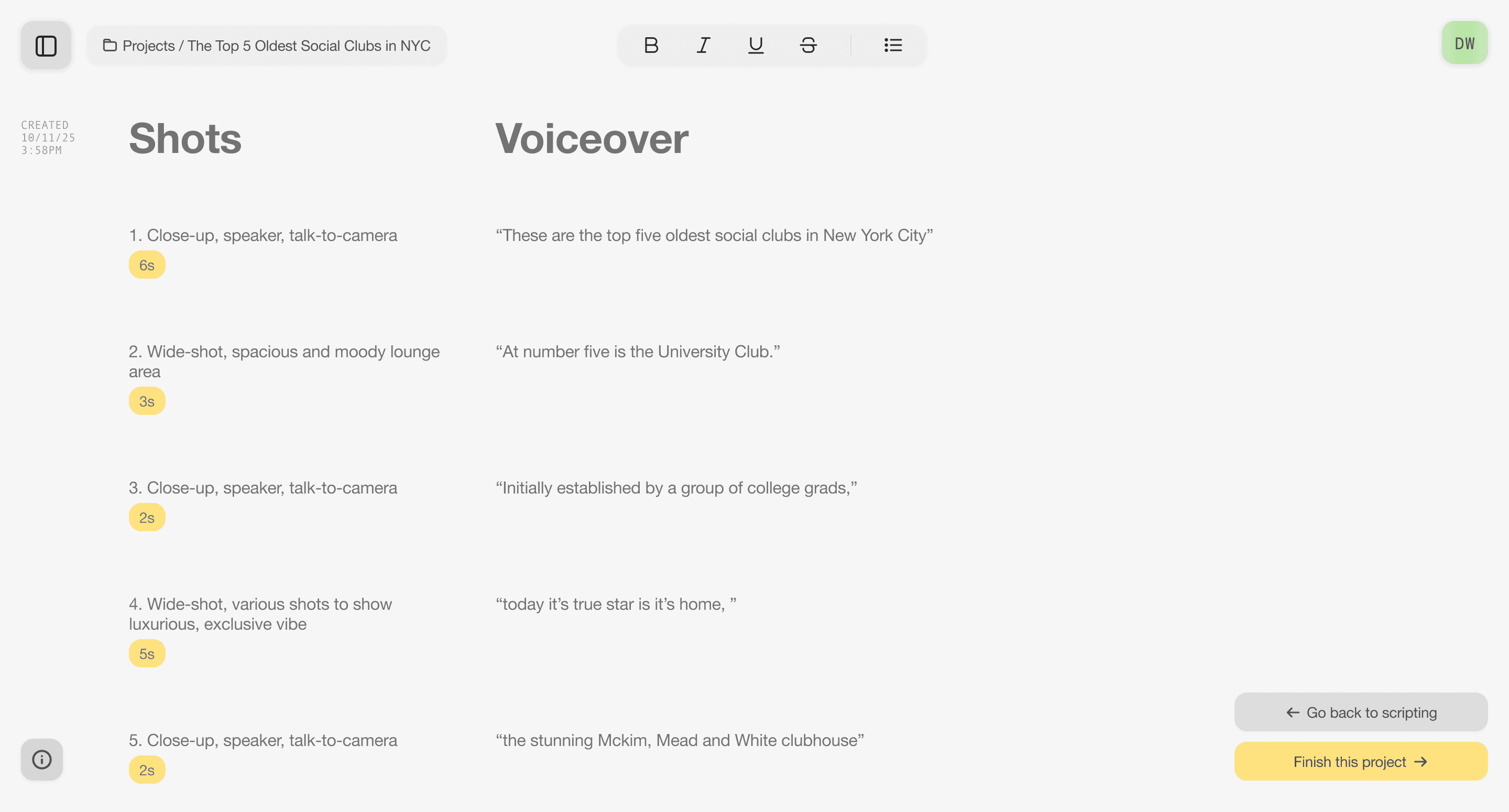
Script agent (Finalized view)
EXPLORING
Final designs
V2 of Efficore completely overhauled the previous UI, UX, and product structure.
Catching up with our 'look like the content that creators make'-first brand identity, V2 was designed to resemble editing tools like CapCut and Adobe Premiere Pro, tools content creators almost certainly already used. Taking a dark mode-first approach, we utilized multiple swappable panels, monospaced type for technical readouts, and overall more densely packed layouts.
FUNDAMENTAL CHANGES
Becoming video-first
1/3
Previously, Efficore was way too AI agent-focused. We lost track of what was actually important: the videos and content.
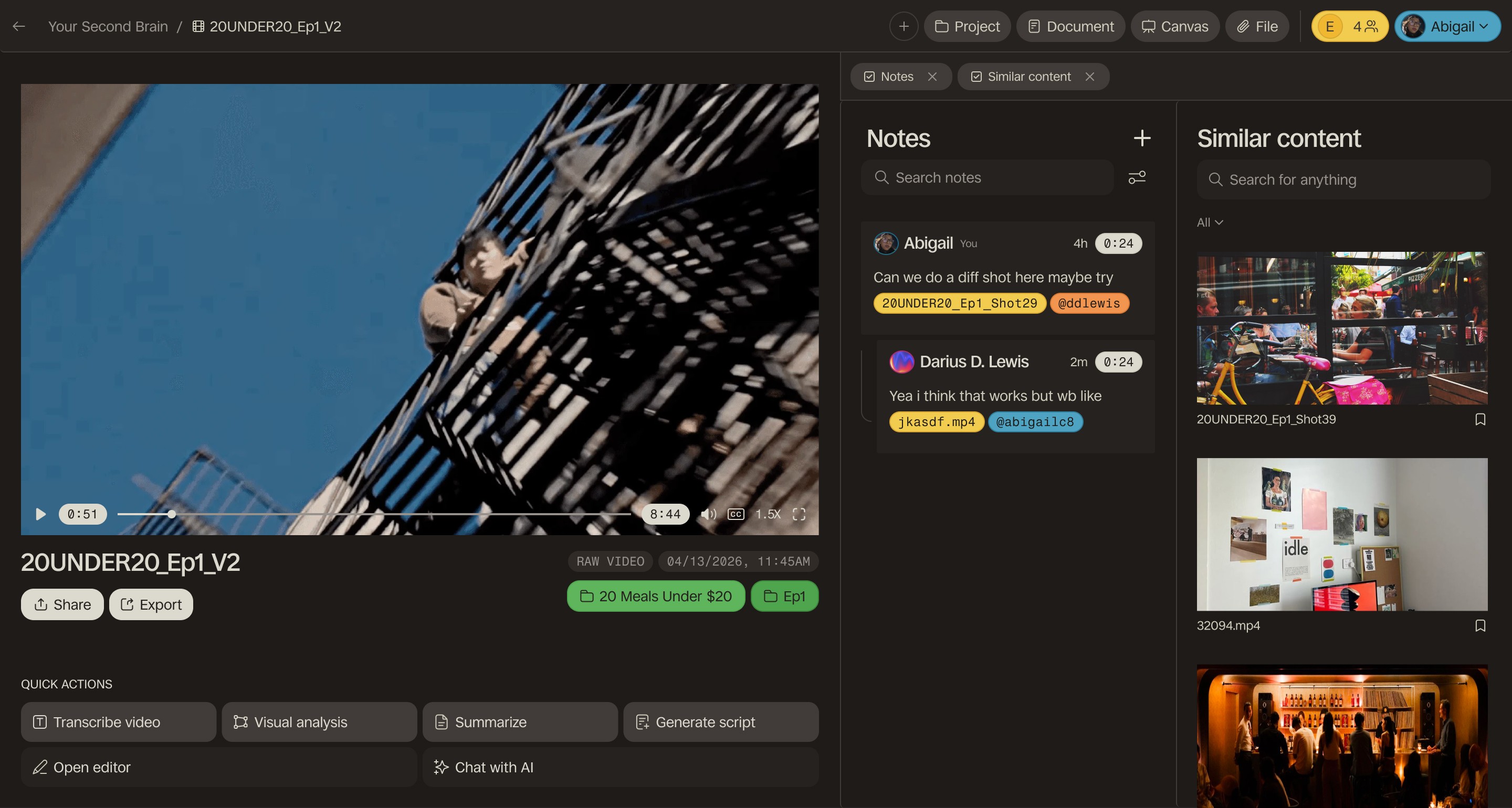
Videos are content creators' bread and butter. That's why we tied most of our core functionalities and tools to individual pieces of media: users could chat with AI, create attached documents, leave comments for team members, and view similar content all from the video level. They could also control their interface through our swappable tab-based system, allowing them to have only the exact tools they needed on the screen.
Individualized video view
Tab system
Making the most of limited features
As a startup, we only had a few specialized features for our main tools: transcribing videos, visual analysis, summarizing, and generating scripts inspired by the video. I therefore chose to push these features through as many funnels as possible so users would use them more. This was achieved by highlighting them in the universal menu bar, as well as suggestion tags in the AI chat and document editor themselves.

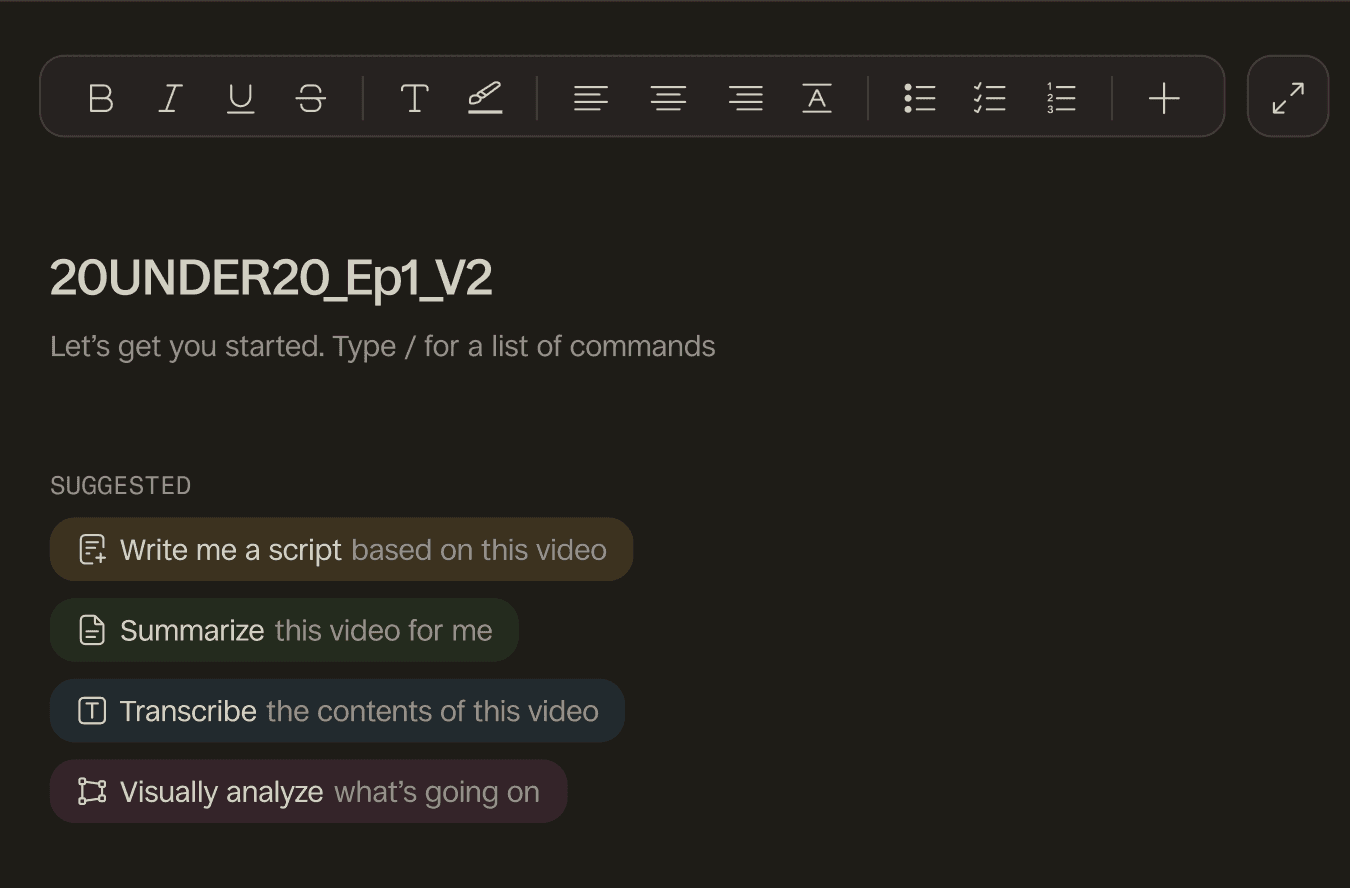
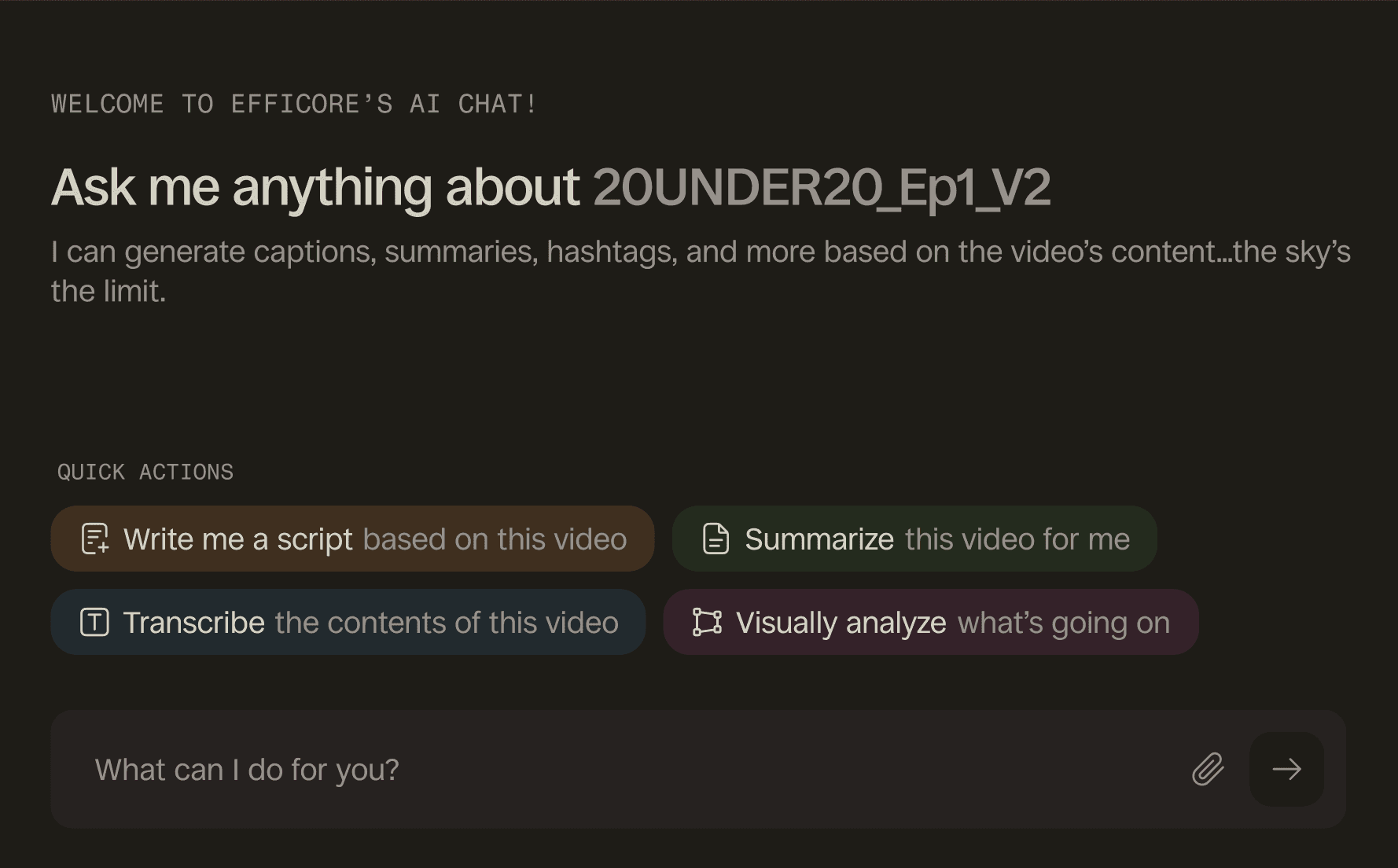
3 instances of pushing our core features: the toolbar, document editor, and AI chat
Streamlined video commenting
I made it very easy to add notes (comments) as this was a primary feature, allowing users to hover and directly see the 'add note' function along with the time stamp. As existing competitors required you to click a button far away to access the commenting tool, I wanted to make commenting more efficiently accessible.
Walking through our video commenting feature
FUNDAMENTAL CHANGES
Second brain as main dashboard
2/3
Highlighting one of our most powerful features, the visual search
In this iteration, we formalized the second brain as a central dashboard, from which users could jump back into projects, view all of their uploaded files, access Efficore documents and canvases, add new items, and critically, search through all their files by concept or keyword. Our removal of the creator personal info cards marked Efficore's shift into an all-inclusive creative workspace rather than a hyperspecialized chat-heavy content creation tool.
Our dashboard, the second brain
FUNDAMENTAL CHANGES
Changing to a project-based system
3/3
Individual chats can't support a full production workflow
Finished videos include multiple clips, scripts, brainstorming documents, and more. Singular chat threads couldn't hold all of that. We realized that a robust project feature with subprojects was instrumental for the process of video creation, as often multiple videos would need to be considered in tandem. This also gave teams the structure to manage full video series, with each episode as its own subfolder.
A project with subprojects and files
PROJECT
Gallery
Walking through our infinite canvas
Specialized layout for script generation
REFLECTING
Working with the Efficore team was amazing and was an excellent opportunity to seriously work on a full-fledged product! It taught me a lot about working with others on product structure, positioning, design, and more.
Takeaway #1: Be more critical of product specs given to me
Even early on, I felt that there were some issues with the product structure. Being a newly onboarded member, however, I trusted that the existing team knew best and didn't fully push back until much after. Speaking up sooner would've saved us weeks or even months of precious development time.
Takeaway #2: Keep the brand and UI identities aligned throughout.
There was a period of time where the brand and UIUX design systems were misaligned, mostly because the brand vision had been updated and the UIUX was lagging behind. In the future, I'd definitely update the UI design system much sooner to avoid unnecessary repeated work.